
Arrow Splash | Water Escape game in 2026
Zimba Game Studio
Sep 17, 2026
Sep 17, 2026
162.32 MB
1.4
7.1
0+

Description
In Arrow Splash Clear the arrows. Keep the water flowing. Make the boss turn back!
Arrow Splash
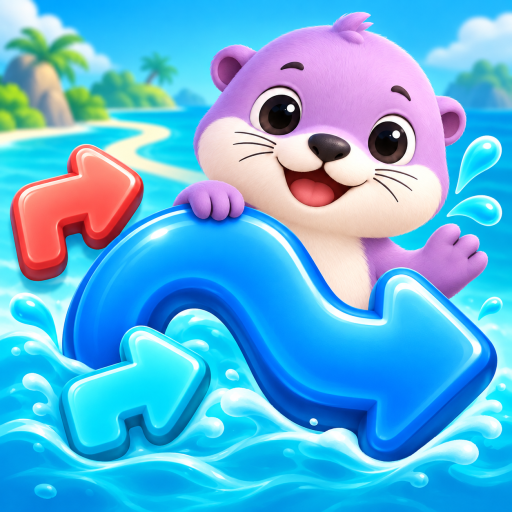
Water Escape combines colorful arrow puzzles with a playful water-cannon challenge. Find an arrow with a clear path, tap to release it, and work out which move opens the way for the next one.
While you solve the puzzle, a cute boss approaches along a winding path. The arrows you release supply your water cannon. Keep clearing the board and splash the boss enough to make it retreat before it reaches you.
PLAN YOUR NEXT MOVE
Arrows can block one another, so choosing the right order matters. Look for an open exit, free up space, and untangle the remaining paths one move at a time.
BUILD YOUR COMBO
Clear arrows to build your combo and power up your water shots. Watch the boss’s speed, remaining distance, and wetness bar as you play.
USE A LITTLE HELP
Need a hand? Use a hint to find an arrow that can leave, push a selected arrow through, or use the triple skill to release a group of arrows. Spend your coins on extra skills in the shop.
TRY THE DAILY PUZZLE
Take a break from the boss chase with the daily challenge. It focuses on the arrow puzzle alone, with a reward for completing the day’s challenge.
MAKE IT YOURS
Choose a profile name and avatar, adjust sound and vibration, and play in English or Turkish. The interface supports both portrait and landscape play.
Keep progressing through puzzles and waves, clear the paths, and send those cheeky visitors running with a splash! You can also play Budget Premium.
Thank You
What's new
Bug Fix
Images


Download links
How to install Arrow Splash | Water Escape game in 2026?
1. Download the ZIP file.
2. Install the Split APKs Installer application
3. Open the application and click on "Install APKs".
4. Find the folder where the downloaded ZIP is located and select it.
5. Follow the steps that appear on the screen.